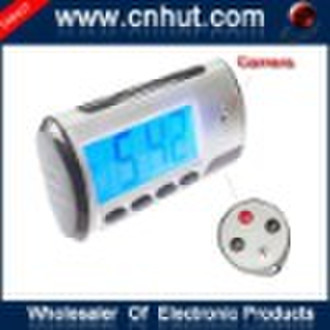
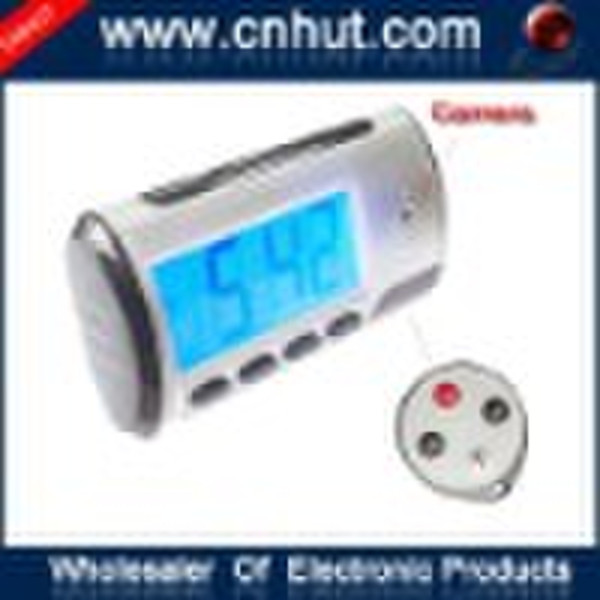
Mini Clock DVR Video Camera Motion Detector
original price: 26,95 USD


Li Chen
Contact person
Basic Information
| Place of Origin | Guangdong China (Mainland) |
|---|
This product is a HD 30-frame (640 *480) remote camera monitoring clock with external TF card memory and a new high-tech multi-functional product integrating video making, sound recording, photo shooting, network chatting, electronic alarming clock and storage. This product is provided accompanying with high-capacity battery, which can provide successive video making over 12 hours and successive sound recording over 25 hours. Functions: 2 million pixel HD video making, photo shooting, electronic chiming in multiple languages, supporting 32GB TF card; it can work for a long time. It is more convenient for remote operations. Featuring high imperceptibility, it is a best helper for household, anti-theft and evidence collection.Operation Instructions:1. Open the twist-off cap on the right, insert the TF card, and press "ON" to start up. 2. Press"power key"slightly to start up through using the remote controller to point at the receiving head of this machine; the blue light turns on; enters into standby status. 3. Press "video key" to enter video making; the blue light will glitter for three times, and it will turns off automatically, and then it will enter into working status; press "video key" to stop, and the blue light will be on. 4. Press "sound key" to enter sound recording; the blue light will glitter for twice, and it will turns off automatically, and then it will enter into working status; press "sound key" to stop, and the blue light will be on.5. Press "Detect key" to sensing camera; press once for one photo; and the blue light will glitter for once. 6. Press "power key" to turn off; and the blue light will be off. 7. Insert USB wire and then turn on the remote controller when the machine is on; at this time, the machine will enter into U-disk mode. 8. Operation of network camera: before using, please install the driving software in the CD; when the machine is on, turn on "power key" with the remote controller; insert the USB wire to connect the computer. Enter into PC CAM mode at this time. 9. Charging: when the master switch is at the OFF position, insert USB battery charger; the red light will be on at this time; and the red light will be off when the battery is full. The computer USB also can be used to charge. 10. Reset: when the product stops responding due to illegal operation or other undetermined reasons, stir the switch to OFF position. And then stir it to ON position to reset this machine. 11. The blue light will glitter continuously when the battery is low; and charge it at this time. When the battery runs out, the files will be saved automatically. 12. When the program is missing, install the driving software in the CD first; click STK02NU system upgrading tool; and then click "update". Select 0 * 35 after1 DRAM Timing. Select "8M" after 2 DRAM Size, and press OK to record for several minutes; after that, press "OK".
Delivery terms and packaging
Packaging Detail: Plastic bag and hard fiber paper Delivery Detail: 1-3 working days
Payment term
Telegraphic transfer
MoneyGram
Western Union

-
Payment Methods
We accept:




